
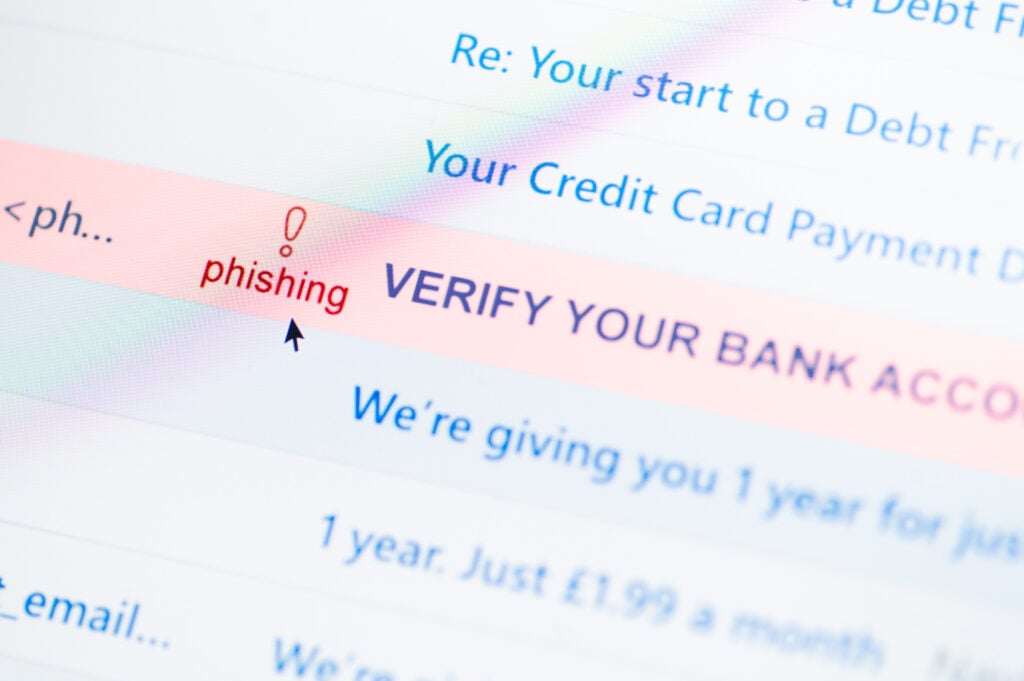

 It happens. You clicked a phishing link. You thought the email or text was from someone you know. You thought it was relevant to something you’ve been waiting to hear about. It looked just like a real email from your bank. You didn’t follow the STAR Method (read about STAR here), you just jumped in and clicked the link. Maybe you went a step further and tried to log in or filled out a form. It’s probably fine, right? I mean, you have an advanced Endpoint Detection and Response (EDR) software with a Cloud-based, AI-driven, 24/7 security team protecting you.
But it doesn’t protect you.
Any data you entered is lost and sold on the Dark Web, including credit cards. Logins, passwords, stolen. The worst part, you likely installed a backdoor and a hacker is in your computer right now! “But I thought AI would prevent this?” you say. That’s not how AI or Endpoint protection works. Read about AI here.
Claude and ChatGPT aren’t protecting you in the Cloud. When a vendor claims they use “AI” they are typically only using a Large-Language Model (LLM) or basic Machine Learning (ML). This takes a stack of known threats and correlates them to that email you just received. If the email or text looks like a legitimate conversation OR there are no evil attachments or links, it is labeled safe. Read this article about fake AI claims.
Technologically advanced companies use a device-based Endpoint Detection and Response (EDR) solution that is linked to a central management hub, typically in the Cloud. An automated Cloud “team” using “AI-detection algorithms” monitors both incoming and outgoing messages and data channels for known malicious content and activities through the EDR. This includes a firewall-based module that verifies destination domains are not on the Blacklist.
Protection is based on either known signatures or deviations from a baseline. You’ll not find many companies using the baseline model. Why? It takes months to determine what normal activity for a computer or user looks like. Every new software, hardware, or even update requires the baseline to reset. While this is manageable at the corporate network level for data between corporate assets, Internet and user activity isn’t easily categorized.
 Phishing Continues Unabated
The bottom line? Unless the email or threat triggers a spam filter or known threat, like a malicious weblink in the email, it’s not flagged as evil. Everyone’s email is constantly flooded with fake invoices in the body of the email or as a PDF asking you to call a US-based number. Emails faking the US Federal government ask you to click to resolve issues with your Social Security or IRS payments. Someone you think you know sends you a link to cute cat videos. Those are the hardest ones for me. And your fancy protection software let’s it straight into your inbox. Then, it let’s you click links and open attachments!
Money. Any way they can, they want to make money on your mistake. A few may be in it for espionage and trying to access others in your organization. But, the vast majority are financially motivated. Here are three (3) very popular payloads we see today and how they steal from you.
1. Info Stealers
The standard info stealer has been around since the Internet started serving webpages. It is a webpage, built to look exactly like a legitimate company, usually with a login or form. They ask for personal information, credit cards, birth dates, mother’s maiden name, logins, passwords, and anything else they can sell or use to access your other accounts.
These usually come in emails appearing to be frorm your Internet provider, saying your service is discontinued or your payment was not received. Info stealers are static and require no direct Human interaction from the scammer or hacker. It acts as a collection pot.
Protection – NEVER provide information in any webpage from an email link. Always log directly into the webpage through their known website address. Most companies WILL NOT communicate with you through email or text for major issues and then ask you to log in. They are finally starting to learn.
 2. Backdoors
Backdoor programs are installed either when you click the malicious link in the email or after you have been passed through several webpage hops. The install may be automatic or it may ask you to install it. Since they use free, legitimate remote control software, your EDR doesn’t stop it.
Once the software installs, the hacker is alerted a new remote device is available. Unless you know what to look for, the software can hide and the hacker can come and go as they please. They install keyloggers to steal passwords, steal files, and may even drop in ransomware.
Protection – The best defense against automatic installs is to not log into your computer with administrator privileges. This will force the system to ask for an administrator login and password before any software is installed. That gets most peoples’ attention that something is wrong.
Again, see the Protection section on Info Stealers. Never click links inside emails or text messages. The real concern is you may encounter Info Stealers and Backdoors through Drive-By Downloads in unsavory parts of the Internet. Read more here.
3. Invoice Scams Scammers now send a fake invoice with a telephone number, knowing the financially astute will immediately want to clear up the obviously fraudulent charge. When you call the number, you are greeted by an Indian national. Why India? They are directly connected to our telephone systems. Plus, Google is giving out numbers without address verification. Read this.
I’m not being ugly. It’s just reality. I’ve NEVER had anyone else answer, though they do try to fake an American or British accent sometimes. They will apologize and ask for your credit card or bank account information to “restore” the funds. What they then do is rob you blind. Some even ask for gift cards to cover the administrative or return fees.
Protection – It is a guaranteed scam when someone asks you to pay them with gift cards. Ignore every invoice you receive in email. If you are unsure, check your bank and credit card statements independently. But, honestly, the best advice is learn to recognize and ignore the scam emails in your inbox. Your EDR will not protect you.
Want to see this in action? Check out the Hillbilly Hacker’s Hot Spam videos on YouTube (linked below). I show you exactly what’s happening each step of the way. I even explain how hackers hide their malicious links using obfuscation through encoding and encryption. It’s enlightening and might scare you right off the Internet.